Create viral-ready videos in a modern AI studio.
Upload, transcribe, generate, and polish content in one glass-smooth workflow — built for speed and clarity.
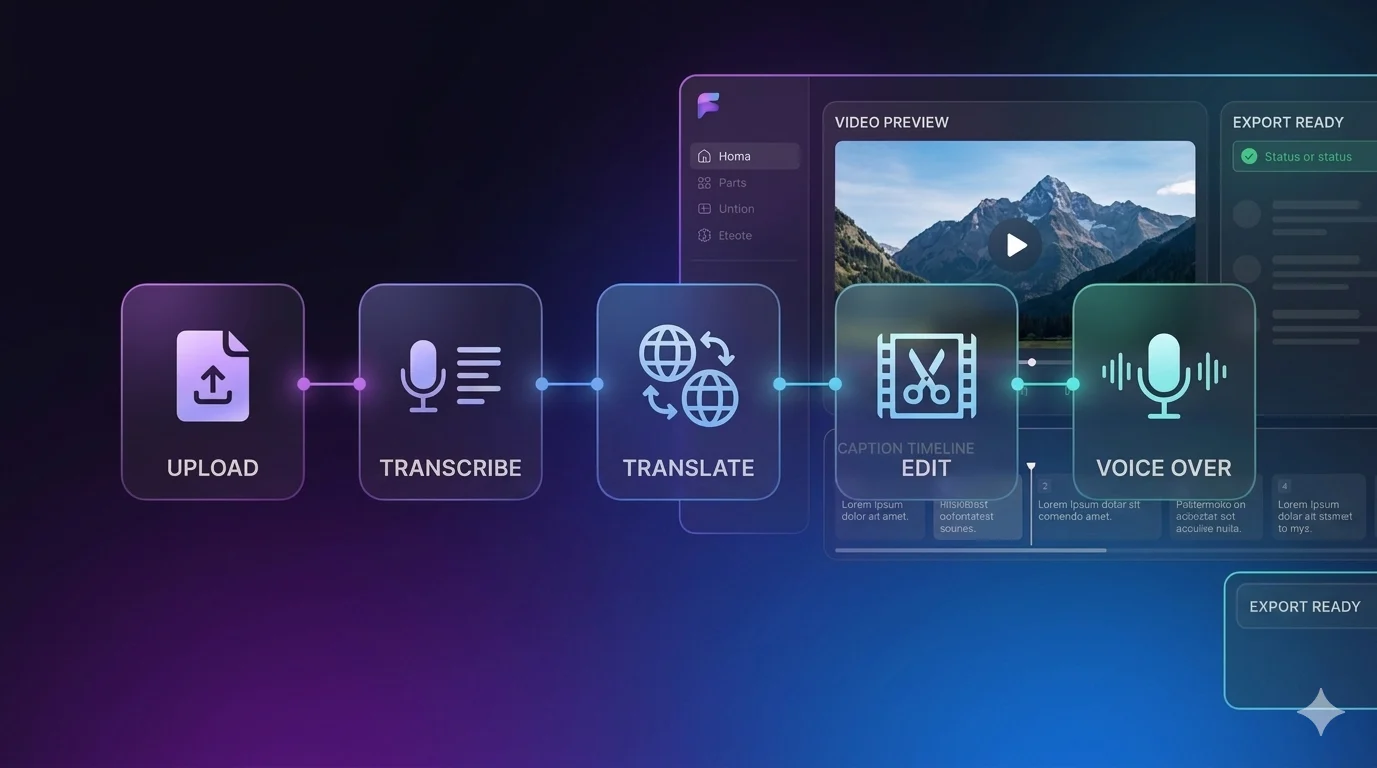
WORKFLOW
Transcribe
Translate and edit in one studio
How it works
Follow a clear path from upload to finished edit — no guesswork, just the tools you need in order.
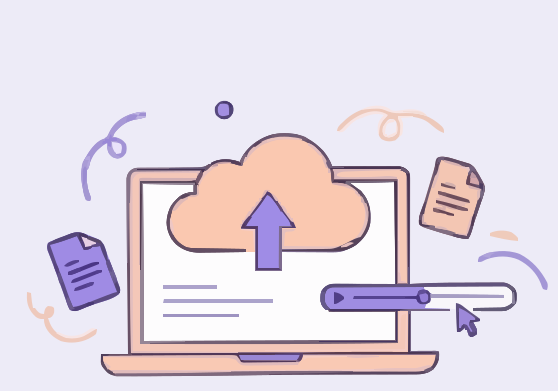
Video Upload
Upload your video file
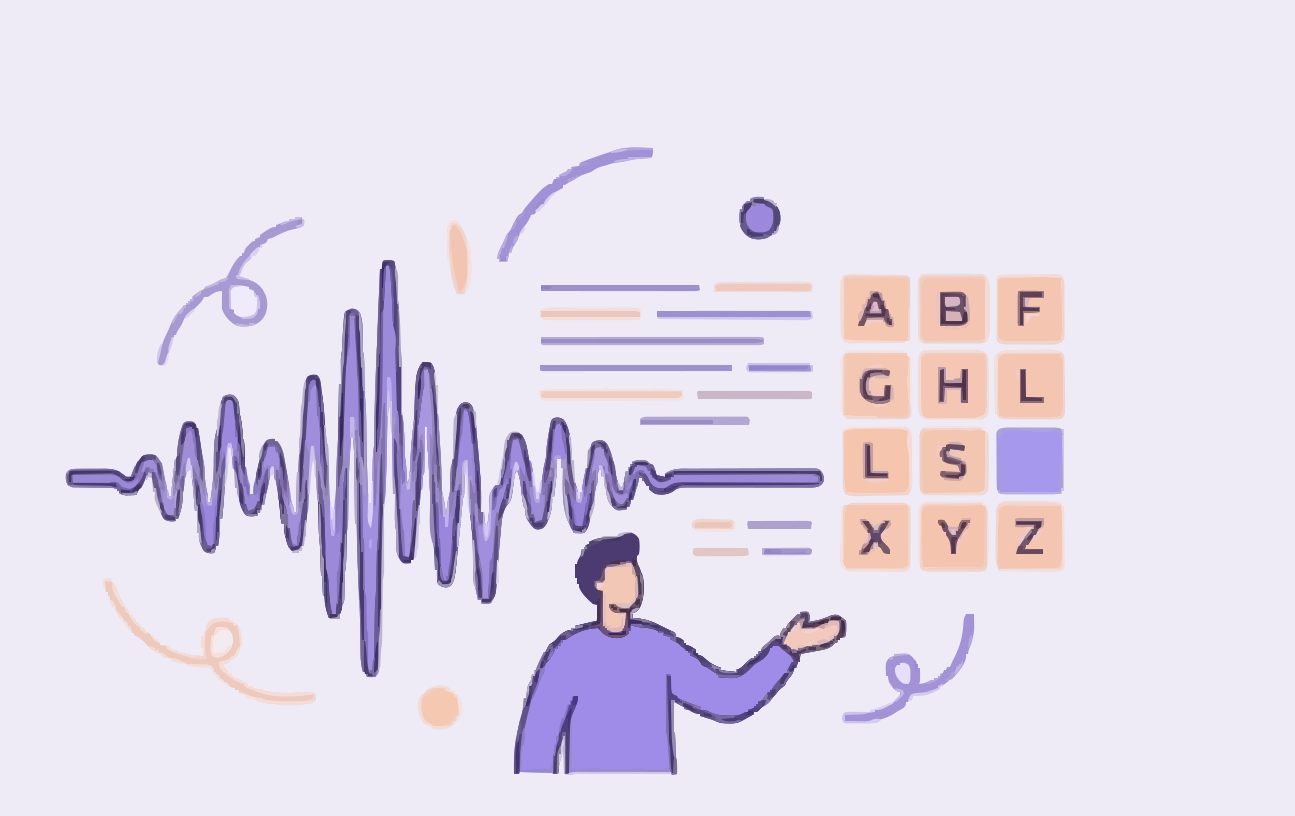
Transcribe
Convert speech to text
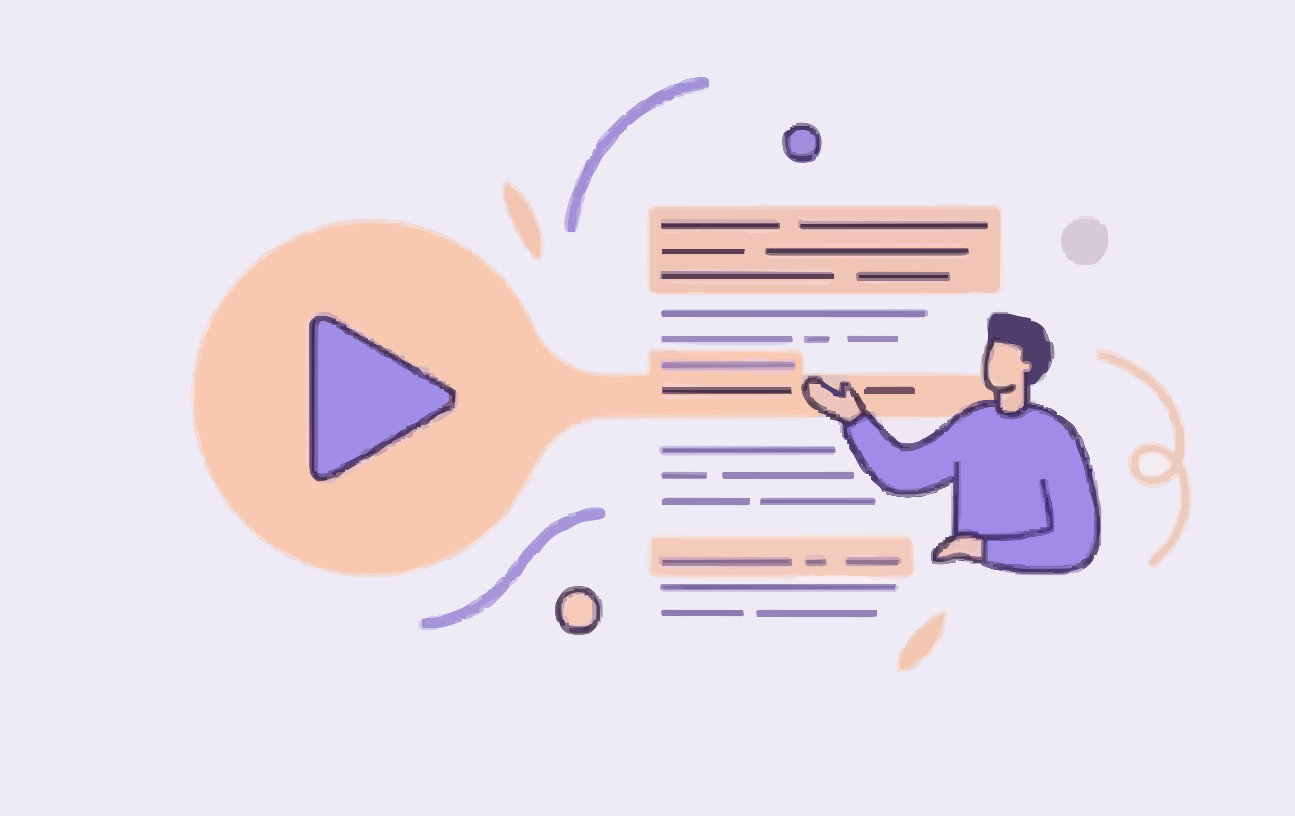
Content Generation
Generate AI content
↑ Upload → Transcribe → Translate → Edit → Voice Over
Process
Why creators use AI Minions
A focused studio experience with transparent limits and room to grow.
Fast iteration
Jump between transcription, content, and edits without leaving the workspace.
One connected flow
Each step hands off cleanly to the next so you spend less time tab-hopping.
Credits you understand
See pricing and tiers up front, then use credits where they matter most.
Trusted by 10,000+ creators.
Frequently asked questions
Quick answers about the studio, credits, files, and signing up.
What is AI Minions?
AI Minions is an AI-powered media studio for captions, transcription, content generation, voice-over, translation, and video workflows — designed as one cohesive dashboard.
How do credits and plans work?
You choose a membership tier or top-up pack on the pricing page. Credits apply when you run AI jobs; details and fair-use notes are shown there too.
What files can I upload?
Video upload accepts common formats like MP4, MOV, and AVI. Clear audio improves transcription quality; check each tool’s tips for the best results.
Do I need an account?
Yes. Create a free account to save your balance, run tools securely, and access your workspace from any signed-in device.
Ready to ship your next video?
Create an account, pick a plan when you’re ready, and open any studio tool from the dashboard.